
Webhooks
Webhooks let your app react to email lifecycle events as they happen. Send → Delivery → Open → Click → Bounce → Complaint → Reply — every state transition fires an HTTP POST to your URL with a structured JSON payload.
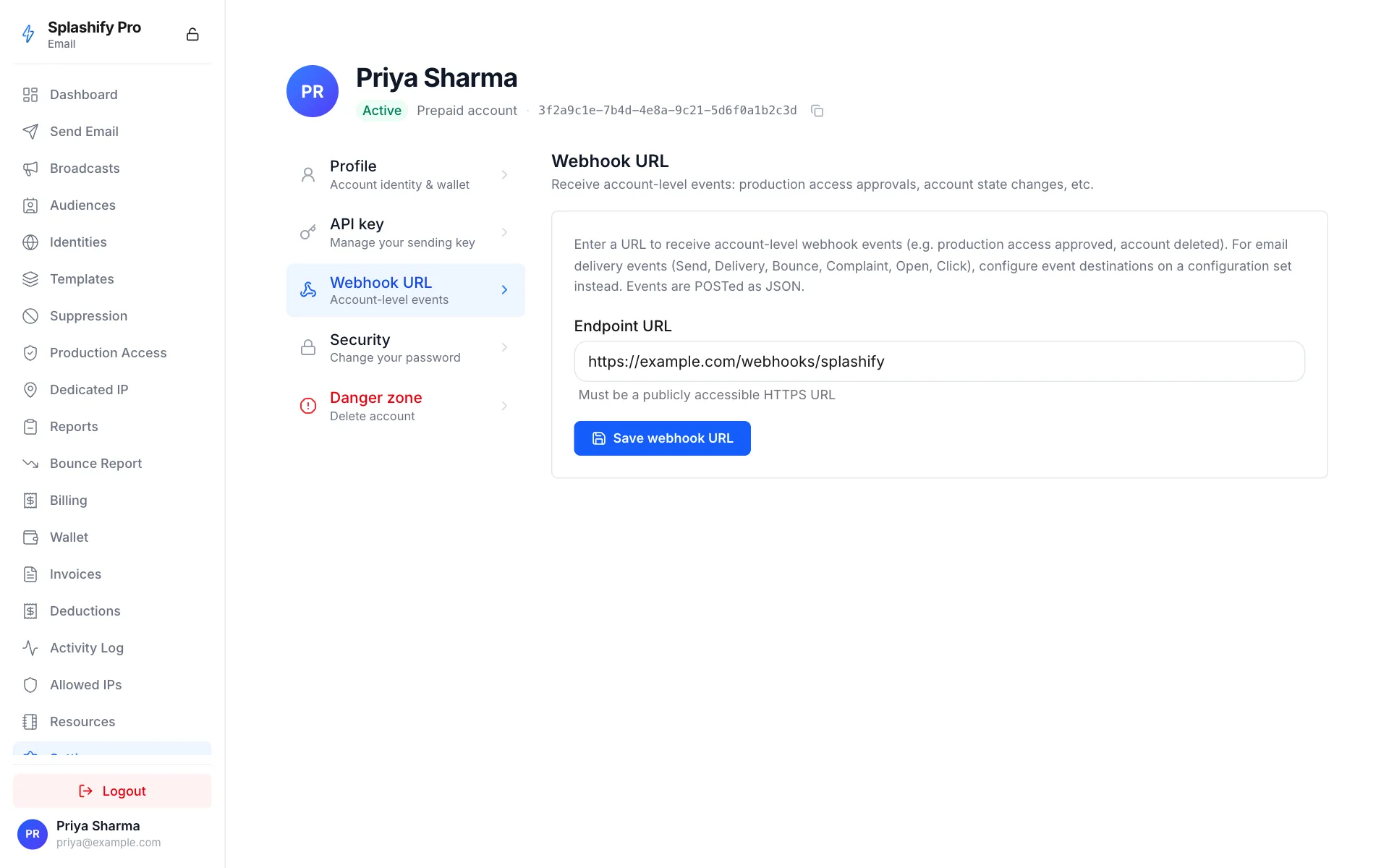
Two webhook surfaces
Pick whichever fits your integration:
You can use both at once. The account-level URL receives every event regardless of config set; the per-config-set destinations receive their filtered subset additionally. Most customers start with just the account-level URL and add per-config-set destinations later when they need to route per-customer.
Event types fired to your webhook
How it works
Loading diagram
- You create a configuration set (a logical grouping for sends).
- You add a webhook event destination to that config set, with the URL + secret + the event types you want.
- You send emails with
configuration_set_namereferencing that set. - Every event for those sends gets POSTed to your URL with an HMAC-signed body.
- Retries: 5xx + timeout → 1min, 5min, 15min. 4xx → no retry (your URL is broken; we don't waste retries).
Set up a webhook in 3 calls
1. Create a config set
curl https://api.splashifypro.com/api/v1/partner/email/configuration-sets \
  -H "Authorization: Bearer $SPLASHIFY_API_KEY" \
  -H "Content-Type: application/json" \
  -d '{
    "name": "production",
    "suppression_options": "BOUNCE_AND_COMPLAINT"
  }'
Save the config_set_id from the response.
2. Add a webhook destination
curl https://api.splashifypro.com/api/v1/partner/email/configuration-sets/$CONFIG_SET_ID/event-destinations \
  -H "Authorization: Bearer $SPLASHIFY_API_KEY" \
  -H "Content-Type: application/json" \
  -d '{
    "name": "production-webhook",
    "destination_type": "WEBHOOK",
    "webhook_url": "https://yourapp.com/webhooks/splashify",
    "webhook_secret": "your-shared-secret-32-chars",
    "matching_event_types": ["send", "delivered", "bounce", "complaint", "open", "click"]
  }'
Security
Store the webhook_secret somewhere your endpoint
can read it (env var). The API will never echo it back — to
rotate, PATCH a new value.
3. Reference the config set on send
curl https://api.splashifypro.com/api/v1/partner/email/send \
  -H "Authorization: Bearer $SPLASHIFY_API_KEY" \
  -H "Content-Type: application/json" \
  -d '{
    "from": "[email protected]",
    "to": ["[email protected]"],
    "subject": "Welcome",
    "html_body": "<h1>Hi</h1>",
    "configuration_set_name": "production"
  }'
Within seconds your endpoint receives a Send event, then
Delivery, etc.
Payload shape
We follow the AWS SES event-publishing JSON envelope. Code written against AWS SES SNS subscriptions consumes our webhooks by swapping the auth header verification.
{
  "eventType": "Delivery",
  "mail": {
    "timestamp": "2026-05-03T12:34:56Z",
    "messageId": "550e8400-e29b-41d4-a716-446655440000",
    "source": "[email protected]",
    "destination": ["[email protected]"]
  },
  "delivery": {
    "timestamp": "2026-05-03T12:34:57Z",
    "recipients": ["[email protected]"],
    "smtpResponse": "250 OK"
  }
}
Every event has the top-level eventType and mail fields. The
event-specific payload is nested under a key matching the lowercase
event type — delivery, bounce, complaint, etc.
Headers
Every POST carries:
Quick verify in Node
import crypto from "crypto";

app.post("/webhooks/splashify", express.raw({ type: "application/json" }), (req, res) => {
  const signature = req.header("x-splashify-signature") || "";
  const expected = "sha256=" + crypto
    .createHmac("sha256", process.env.SPLASHIFY_WEBHOOK_SECRET)
    .update(req.body)
    .digest("hex");

  if (!crypto.timingSafeEqual(Buffer.from(signature), Buffer.from(expected))) {
    return res.status(401).end();
  }

  const event = JSON.parse(req.body.toString());
  // process event...
  res.status(200).end();
});
Next
- Event Types → — full payload shape per event
- Verify Signature → — implementations in 6 languages
- Retries & Replays → — backoff schedule + manual replay
- Best Practices → — idempotency, dedup, security