
Splashify Pro Email API
Guides and the full API reference for Splashify Pro Email. Verify a domain, send your first email, then add templates, webhooks and the SMTP relay as you need them.
Splashify Pro Email is an email service for developers. The Email API gives you the building blocks to ship transactional and marketing email at scale: verified sending identities, configuration sets, templates, suppression lists, real-time webhooks, and deliverability-grade reputation tracking.
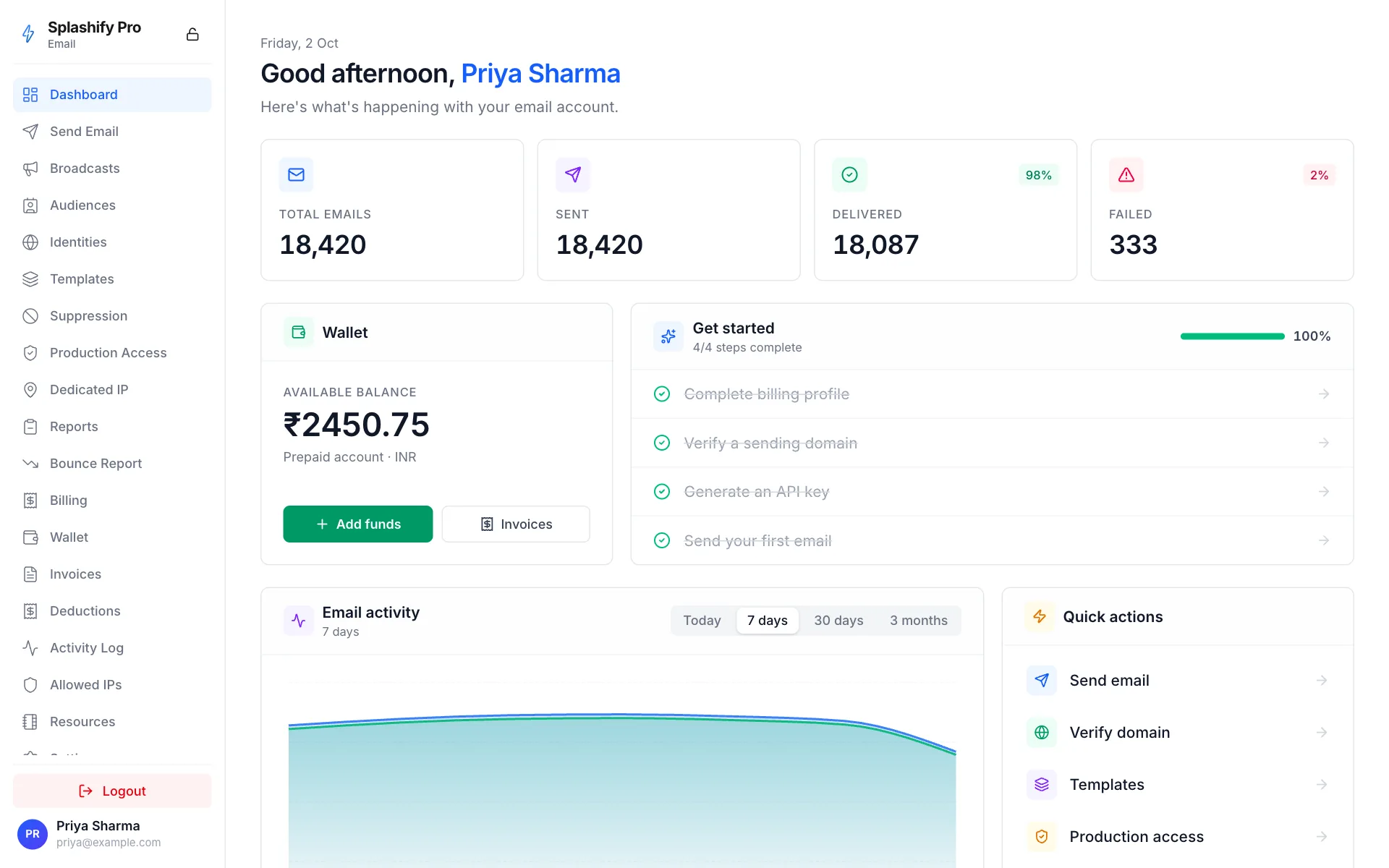
Your first email, step by step
Create your account and an API key
Sign up at email.splashifypro.com, then generate a key under Settings → API key. See Authentication.
Verify a sending identity
Prove you own the domain, or the single address, you send from. See Sending Identities and Create identity.
Send an email
One request is enough. Follow the Quickstart, or pick Node.js, Python, PHP, Go, cURL or SMTP Relay.
See what happened to it
Get delivery, bounce, open and click events on your own URL. See Webhooks.
Move out of the sandbox
Every new account starts in sandbox mode, with a daily sending limit. See Sandbox vs Production.
Base URL
All API requests are made to:
https://api.splashifypro.com/api/v1/partner/emailAuthentication
Every API request must carry your secret API key in the Authorization
header:
Authorization: Bearer pk_live_xxxxxxxxxxxxxxxxxxxxxxxxxxxxxxxxGenerate a key in Splashify Pro Email at email.splashifypro.com under Settings → API key. The key is shown once, so store it in a secure secret manager.
Security
Treat your API key like a password. Never embed it in client-side code, mobile apps, or public repositories.
Quick example
Send a transactional email with two lines of curl:
curl https://api.splashifypro.com/api/v1/partner/email/send \
  -H "Authorization: Bearer $SPLASHIFY_API_KEY" \
  -H "Content-Type: application/json" \
  -d '{
    "from": "[email protected]",
    "to": ["[email protected]"],
    "subject": "Your order has shipped",
    "html_body": "<p>Tracking: ABC123</p>",
    "text_body": "Tracking: ABC123"
  }'
Response:
{
  "success": true,
  "results": [
    {
      "recipient": "[email protected]",
      "message_id": "f9c3a2b1-...",
      "status": "queued"
    }
  ]
}
API surface at a glance
Response format
Success responses always include success: true, with the answer's
own fields next to it. There is no data wrapper:
{
  "success": true,
  "results": [ ... ]
}
Error responses carry a stable error code + a human-readable
message:
{
  "success": false,
  "error": "FROM_NOT_VERIFIED",
  "message": "from address is not on a verified identity"
}
HTTP status codes
Get started
Getting Started
First-send walkthrough.
Concepts
Sending identities, config sets, sandbox.
API Reference
Every endpoint.
Webhooks
Receive delivery events.
Deliverability
SPF/DKIM/DMARC and reputation.
Pricing
Flat ₹0.03 per email.
SMTP Relay
Send from any framework that speaks SMTP.
Build with AI
The MCP server, the SDKs and common recipes.
Legal
Terms, privacy and the sending policies.
Need help?
- Read the FAQ and the error reference.
- Email [email protected].