
Authentication
The Splashify Pro Email API uses Bearer-token authentication. Every
request must carry a valid API key in the Authorization header.
Generating an API key
- Log in to email.splashifypro.com
- Navigate to Settings → API Keys
- Click Generate API Key
- Copy the key — it is shown once. Lose it and you'll need to regenerate.
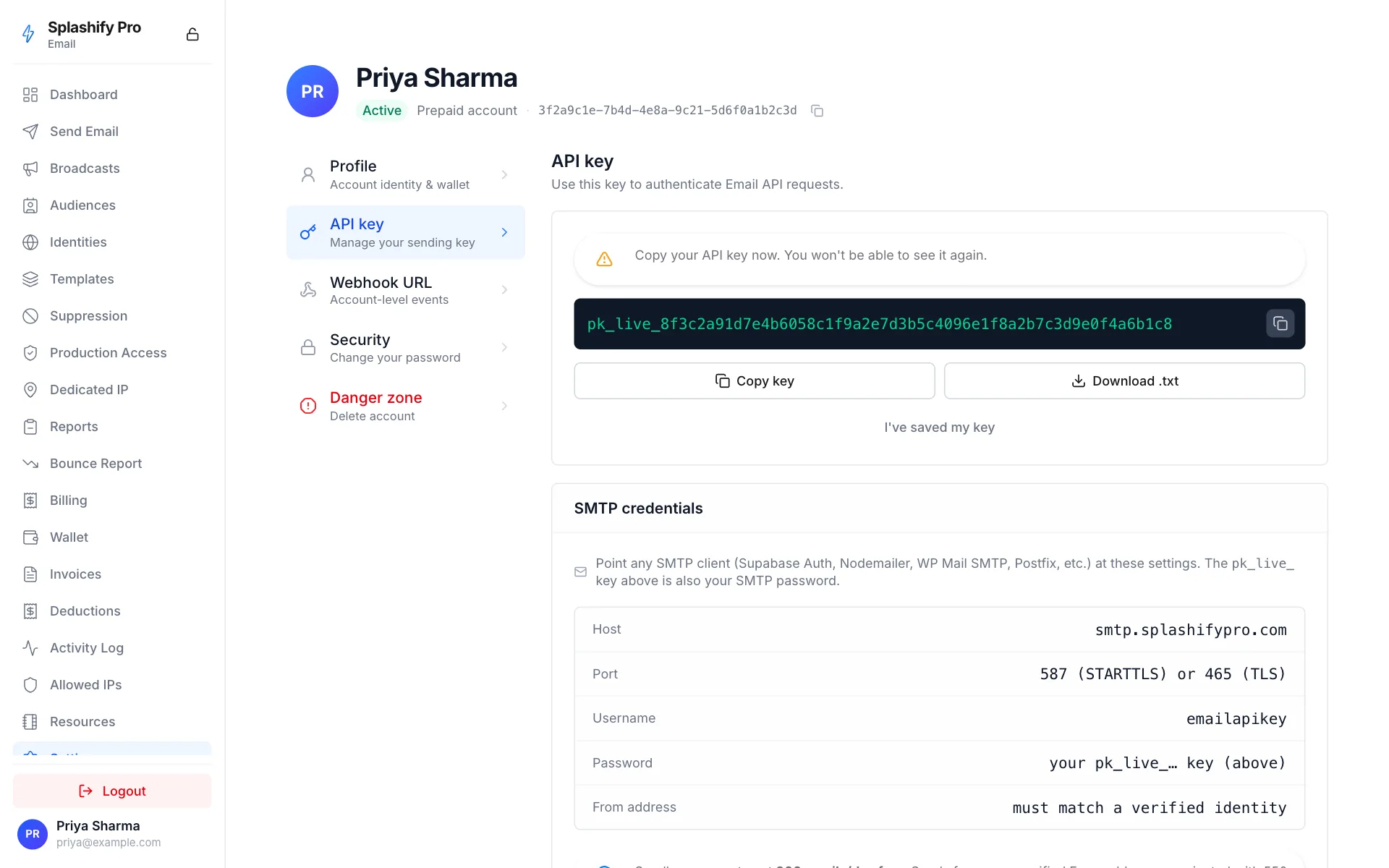
API keys carry the prefix pk_live_ and are 64 characters long.
Using your key
Set the Authorization header on every request:
http
Authorization: Bearer pk_live_xxxxxxxxxxxxxxxxxxxxxxxxxxxxxxxxcURL:
bash
curl https://api.splashifypro.com/api/v1/partner/email/quotas \
  -H "Authorization: Bearer pk_live_..."
Node:
javascript
fetch("https://api.splashifypro.com/api/v1/partner/email/quotas", {
  headers: { Authorization: `Bearer ${process.env.SPLASHIFY_API_KEY}` },
});
Python:
python
import requests, os
r = requests.get(
    "https://api.splashifypro.com/api/v1/partner/email/quotas",
    headers={"Authorization": f"Bearer {os.environ['SPLASHIFY_API_KEY']}"},
)
Rate limits
API keys are rate-limited per account, not per key. Defaults:
- Sandbox: 1 send/sec, 200 sends/day
- Production: 14 sends/sec (configurable per account), 50,000 sends/day (configurable per account)
Rate-limit responses come back as 429 Too Many Requests. Retry with
exponential backoff.
Key security best practices
- Never embed in client-side code. API keys go on your server, never in browser JS, mobile apps, or public repos.
- Use environment variables. Most CI / hosting platforms support
secret env vars.
.envfiles should be.gitignore'd. - Rotate periodically. Regenerate keys every 90 days at minimum.
- Use one key per environment. Separate keys for staging / production make blast-radius cleanup easier.
Revoking a compromised key
- Go to Settings → API Keys
- Find the compromised key
- Click Revoke
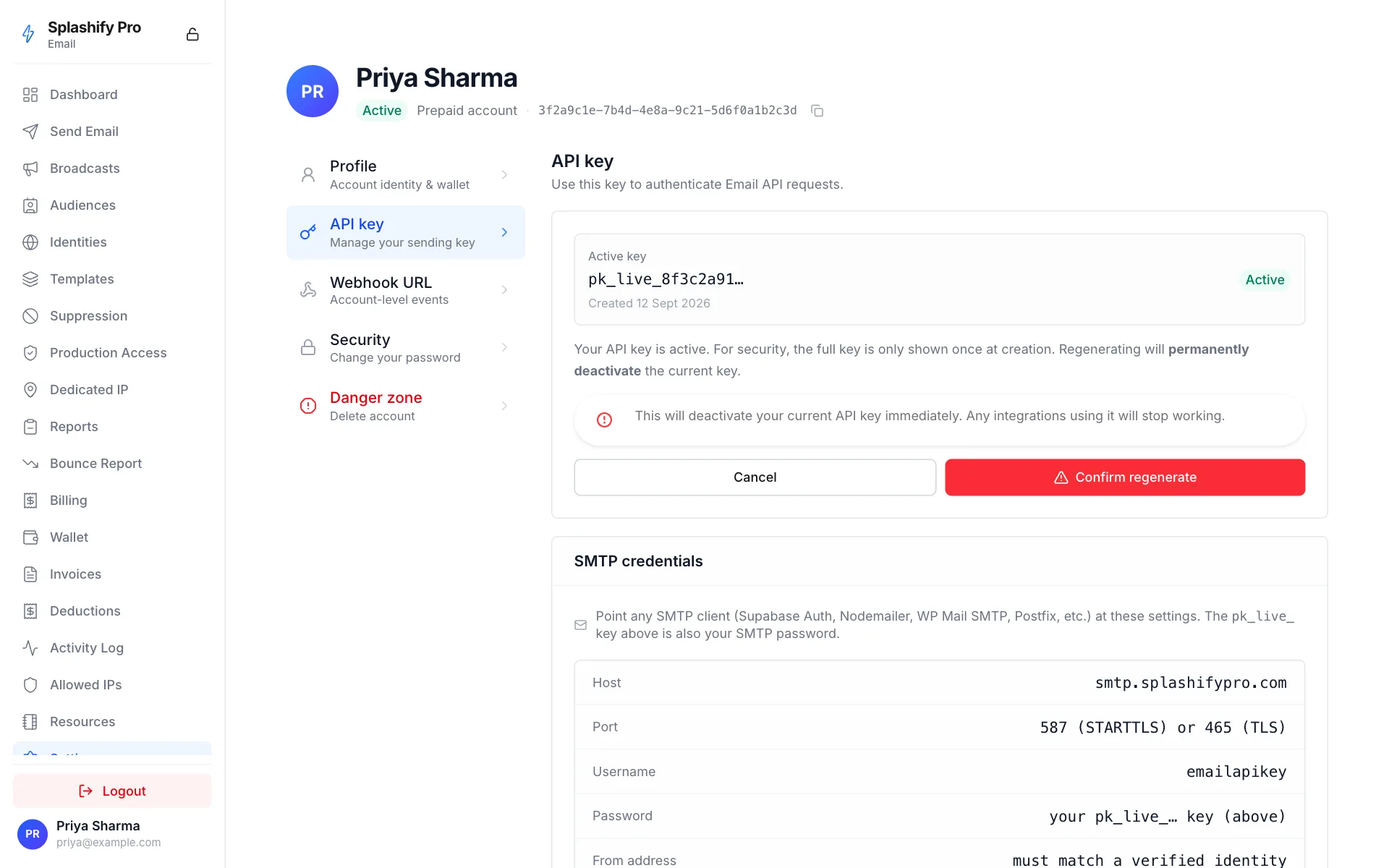
Revocation is immediate. New requests with the revoked key get
401 Unauthorized within ~5 seconds.